
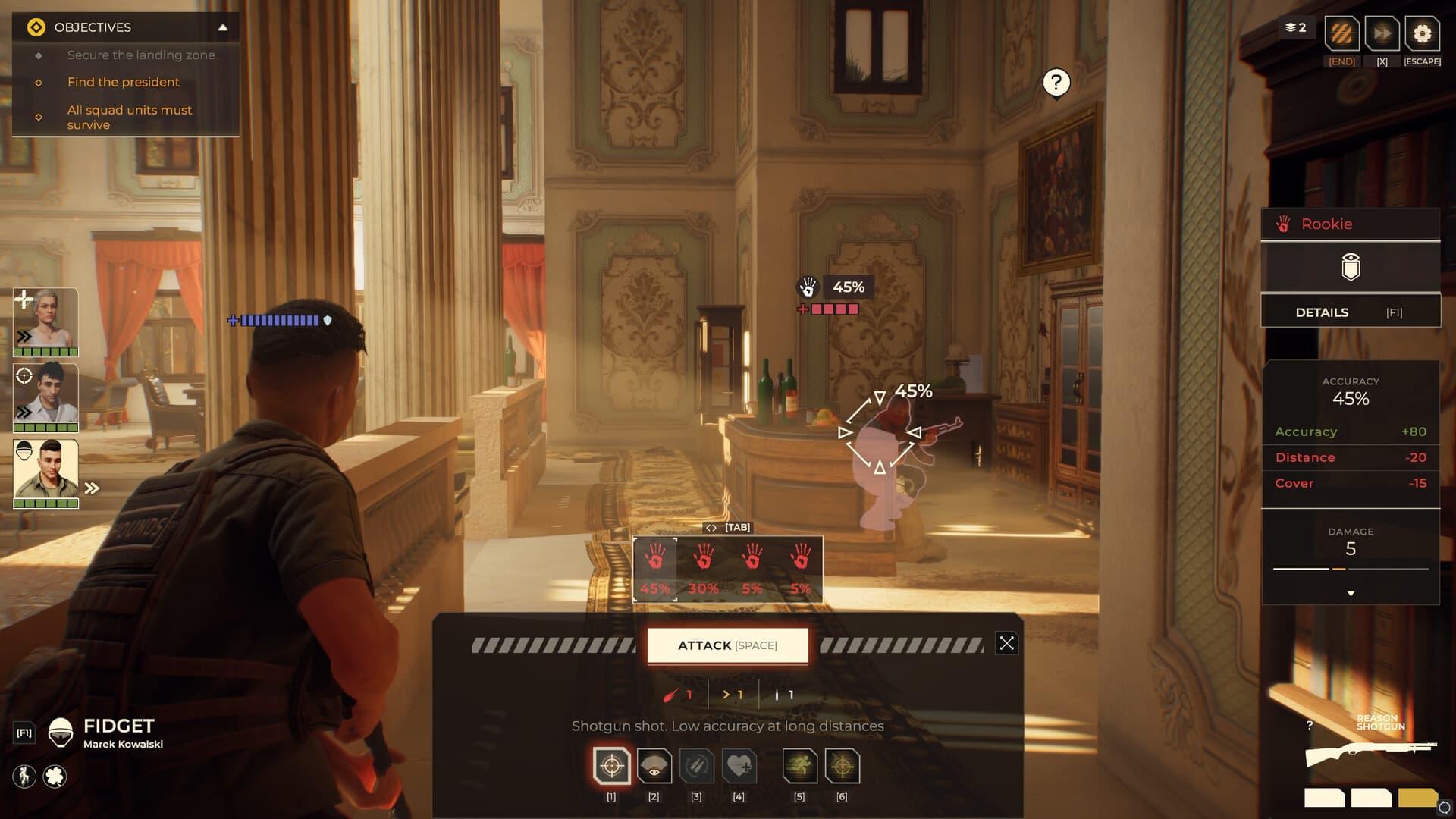
 Official media reference
Direct answer
The current Steam language table lists Japanese interface and subtitles; full Japanese audio is not listed in the 2026-08-14 snapshot.
How to use this page
Language status can change after release. Read interface, subtitle and full-audio columns separately and treat the live Steam table as the authority.
What is verified
- Interface: listed in the current snapshot.
- Subtitles: listed in the current snapshot.
- Full audio: Japanese is not listed in the current snapshot.
- Recheck the live language table after updates.
Evidence scope
Verified against sources on August 14, 2026The current Steam language table snapshot lists Japanese interface and subtitles, while full Japanese audio is not listed. Language tables can change, so readers should verify the live store page before installing or buying.
Read the three language columns separately
Steam separates interface, full audio and subtitles. Japanese interface support means menus and selected UI text can be localized; Japanese subtitles mean written dialogue or captions can be displayed. Neither statement proves Japanese voice acting. A guide should show the date of the snapshot and avoid shortening all three columns into a single word such as fully localized.
- Check interface, audio and subtitle columns independently.
- Keep the language-table date visible.
- Do not infer voice support from subtitle support.
What to test in game
After selecting Japanese in Steam or the game launcher, open the main menu, a tutorial, an objective panel and a results screen. Check whether UI labels, mission objectives, item descriptions and subtitles switch consistently. Record text that remains in English with a screenshot and build number. Do not judge the translation from one line alone; compare repeated terms across menus and missions.
- Test menus, objectives, descriptions and subtitles.
- Capture untranslated strings with the build number.
- Compare repeated terms across screens.
How to report a localization issue
A useful report includes the original English string if visible, the Japanese text, screen or mission name, platform, build and a short explanation of the problem. Distinguish a typo from a missing translation, a truncated UI label and a contextually wrong term. Report sensitive story spoilers behind the platform's spoiler tools. Recheck after a patch before calling an issue unresolved.
- Include original and translated strings.
- Name the exact screen or mission.
- Retest after localization patches.
Japanese language verification checklist
- Check the live Steam language table.
- Separate interface, subtitles and full audio.
- Test a menu, objective, tutorial and result screen.
- Record untranslated strings with build and platform.
- Recheck after localization updates.
Frequently asked questions
Does Warhounds support Japanese?
The current Steam snapshot lists Japanese interface and subtitles; full Japanese audio is not listed. Verify the live table because this can change.
Does Japanese support include voice acting?
Not according to the current language table snapshot. Japanese is listed for interface and subtitles, not full audio.
How can I report a Japanese translation error?
Include both strings, the screen or mission, platform and build, then check whether a later localization patch changes it.
Sources and verification
Official facts are separated from developer estimates and unverified community claims.