
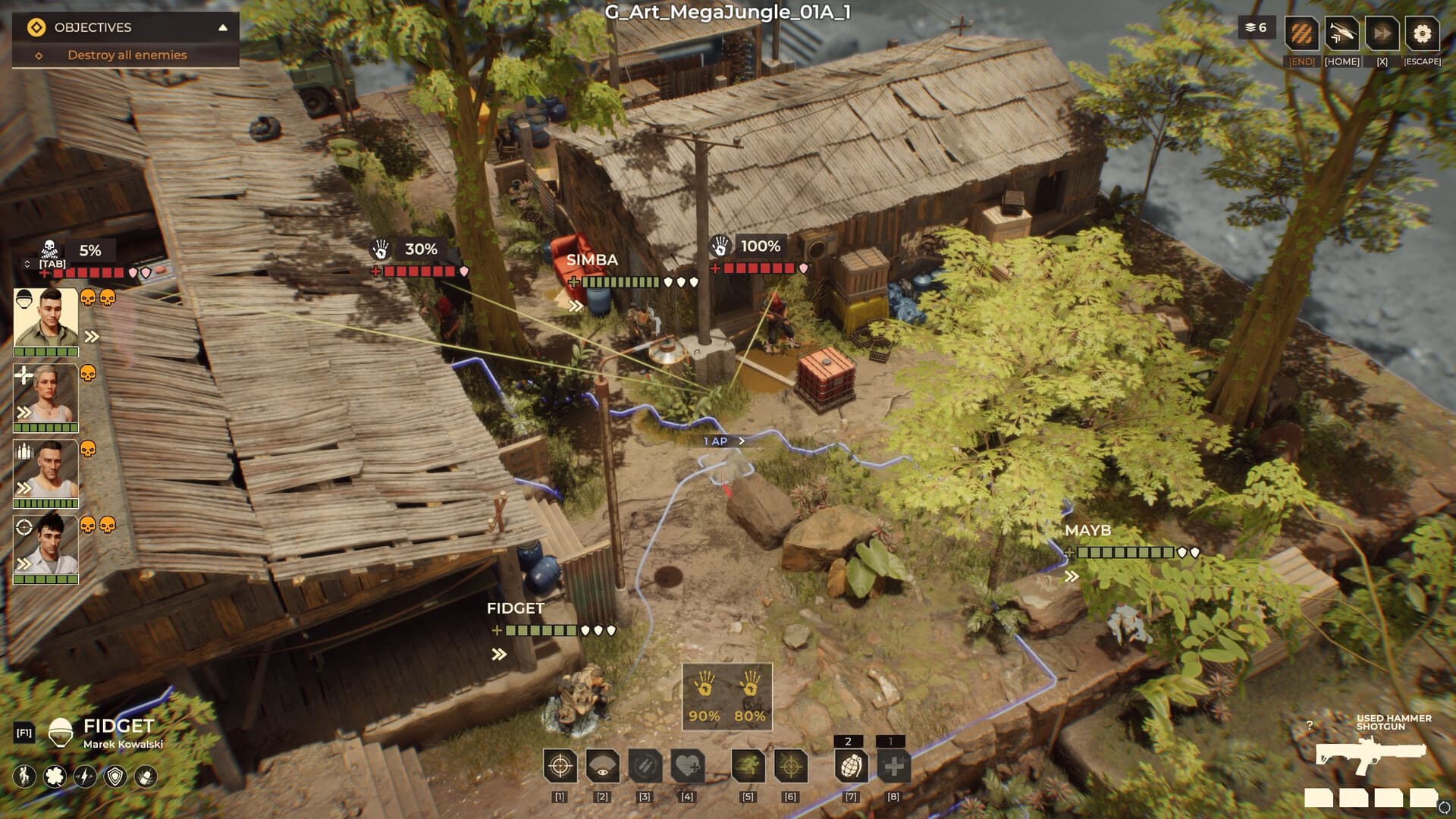
 Official media reference
Direct answer
Warhounds does not have a single verified universal bug list in the sources used here. This page separates official Steam news, developer replies and player discussions so a current report is not mistaken for a confirmed defect or a completed fix.
How to use this page
The official news feed is the place to check formal updates. Community discussions are useful for camera, save, customization, controller and other reproduction leads, but each report needs a build, steps and a clear distinction between developer confirmation and player speculation.
What is verified
- Formal patch notes: check the official Steam news feed.
- Developer replies and community reports are different evidence levels.
- A report is not a confirmed fix until an official update or reproducible current-build test supports it.
- Record the exact build before comparing old and new behavior.
Evidence scope
Verified against sources on August 14, 2026This page is a triage guide for current Warhounds reports. It uses the official Steam news feed for formal updates, the official game community page for developer context and public discussions for leads. It deliberately does not turn an active thread into a confirmed bug or a planned fix into a shipped patch.
Evidence levels matter
An official news post is the strongest source for a released change, while a developer reply can clarify intent or a planned fix without proving that the change has shipped. A player discussion is useful for discovering camera, save, customization, controller or other reproduction leads, but popularity is not confirmation. Label each item with its source type and date before using it in a guide.
- Official news: released update evidence.
- Developer reply: intent or status context.
- Community thread: report or reproduction lead.
How to read a current report
Start with the exact screen, mission, input device and game build. Then check whether the report reproduces on a clean save with overlays, Steam Input changes and unofficial modifications removed. Camera behavior, cloud saves, customization menus, controller remapping and base interactions can have different causes, so a broad title such as ‘the game is broken’ is not enough to diagnose or publish as fact.
- Record screen, mission and input state.
- Retest on a clean save without modifications.
- Separate symptoms from a confirmed cause.
When a fix is actually confirmed
Call an issue fixed only when an official update describes the change, the developer confirms the relevant behavior with enough detail, or a reproducible current-build test demonstrates that the original case no longer occurs. Keep the old report, the tested version and the verification steps. If only the discussion has gone quiet, mark the status unknown rather than silently deleting the issue.
- Name the update or build that contains the change.
- Keep before-and-after reproduction steps.
- Use unknown when the evidence is incomplete.
Known-issue triage checklist
- Check the official Steam news feed for a formal update.
- Record the exact game build and affected screen.
- Remove trainers, mods and overlays before retesting.
- Separate developer replies from player speculation.
- Keep an evidence trail before marking a report fixed.
Frequently asked questions
Where are official Warhounds patch notes?
Use the official Steam news feed linked on this page. If a change is not described there or supported by a clear developer statement, label its status as unconfirmed.
Is every Steam discussion a confirmed bug?
No. Discussions are leads and may contain incomplete or conflicting reports. Confirm the build, reproduction and any developer response before presenting a claim as fact.
What should I include in a bug report?
Include the game build, operating system, screen or mission, input device, save state, exact steps and whether the issue remains after removing modifications and overlays.
Sources and verification
Official facts are separated from developer estimates and unverified community claims.