
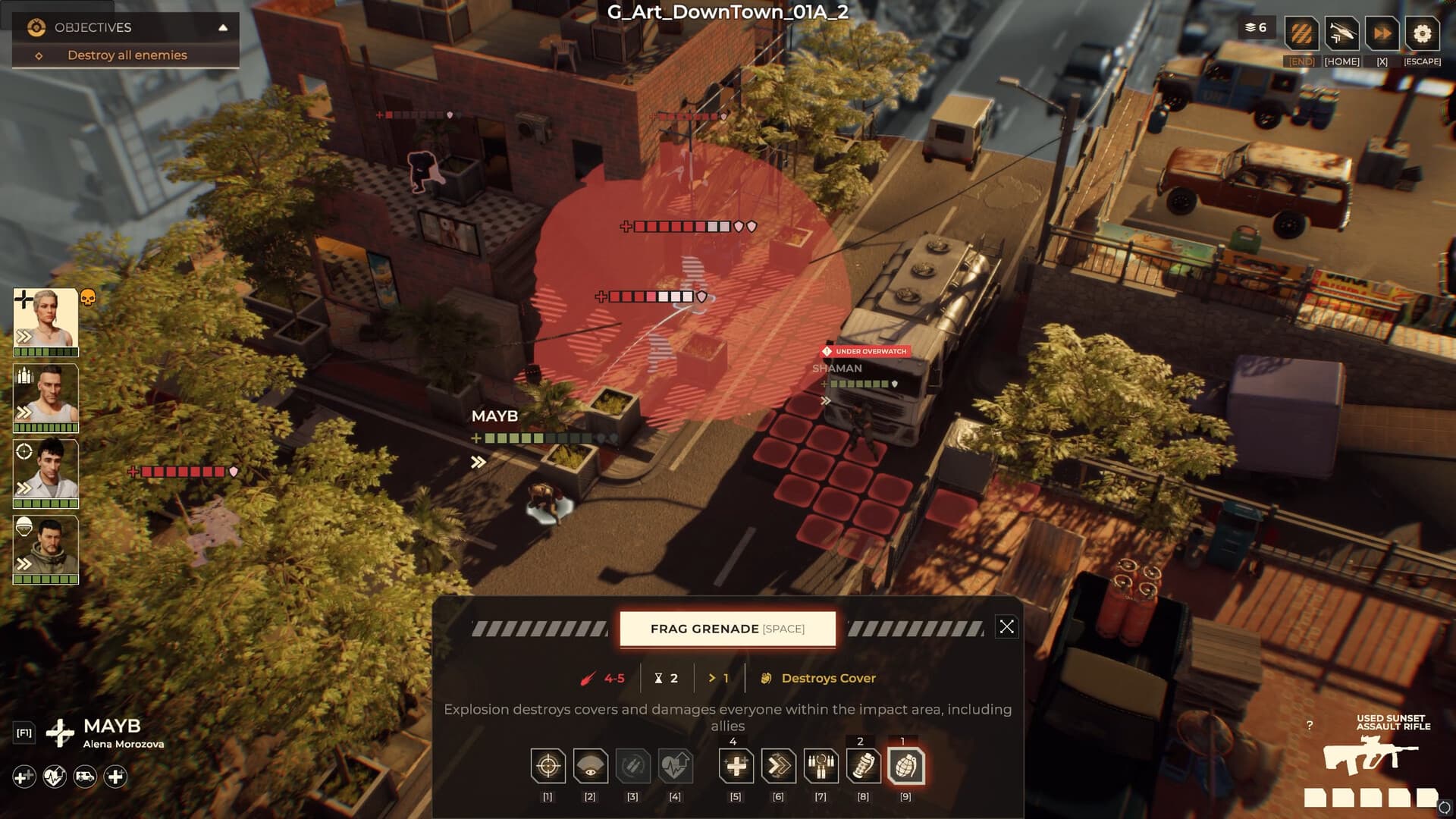
 Official media reference
Direct answer
Third-party trainers are unofficial, version-sensitive executables. This site does not provide or endorse a Warhounds trainer download.
How to use this page
Even a legitimate memory editor can break after a patch or trigger security software. Unknown binaries create a much larger credential and malware risk.
What is verified
- Prefer in-game difficulty and save options.
- Never disable security protection just to run an unknown file.
- Compare file hashes and independent reputation when evaluating software.
- Keep clean backups and remove modifications before updating the game.
Evidence scope
Verified against sources on August 14, 2026Third-party trainers are unofficial, version-sensitive executables. This site does not provide or endorse a Warhounds trainer download; the useful answer is how to assess the risk and preserve a clean campaign.
Why trainers break after patches
A trainer usually depends on memory addresses, executable behavior or timing that can change with a game update. Even if a file worked for one build, it may fail silently, corrupt a save or trigger security software after the next patch. Version labels and a creator's reputation reduce uncertainty but cannot turn an unofficial binary into supported software.
- Match the trainer to the exact build.
- Expect patches to invalidate memory-based tools.
- Keep a clean install and save backup.
Security boundaries
Never turn off antivirus or Windows protections merely to launch an unknown trainer. Do not run a binary that asks for Steam credentials, browser access or unrelated permissions. Scan the file, inspect its origin and consider whether the claimed benefit is worth losing campaign integrity. If the tool modifies memory, do not use the modified save as evidence for a vanilla bug.
- Never provide credentials to a trainer.
- Do not bypass security warnings.
- Keep modified and vanilla saves separate.
If a player still experiments
Use a disposable profile, back up saves outside the installation directory and write down the original files before changing anything. Test one function at a time, close the tool before updating the game and restore a clean installation before troubleshooting. Remove the trainer if crashes, missing progress or account warnings appear. Do not distribute a binary from this site.
- Use a disposable profile and clean backup.
- Test one function at a time.
- Restore vanilla files before diagnosing a crash.
Trainer risk checklist
- Confirm there is no official in-game alternative first.
- Match the file to the exact build.
- Scan the binary and never disable protection.
- Back up saves outside the game directory.
- Restore a clean install before reporting a bug.
Frequently asked questions
Does this site provide a Warhounds trainer?
No. Trainers are unofficial executables with security and save-integrity risks, so this site does not distribute one.
Why did a trainer stop working after an update?
The patch may have changed memory addresses or executable behavior. Check the exact build, but do not bypass security warnings to force it to run.
Can a trainer corrupt saves?
Yes, especially when it changes values the game expects to be valid. Keep clean backups and separate modified saves.
Sources and verification
Official facts are separated from developer estimates and unverified community claims.