
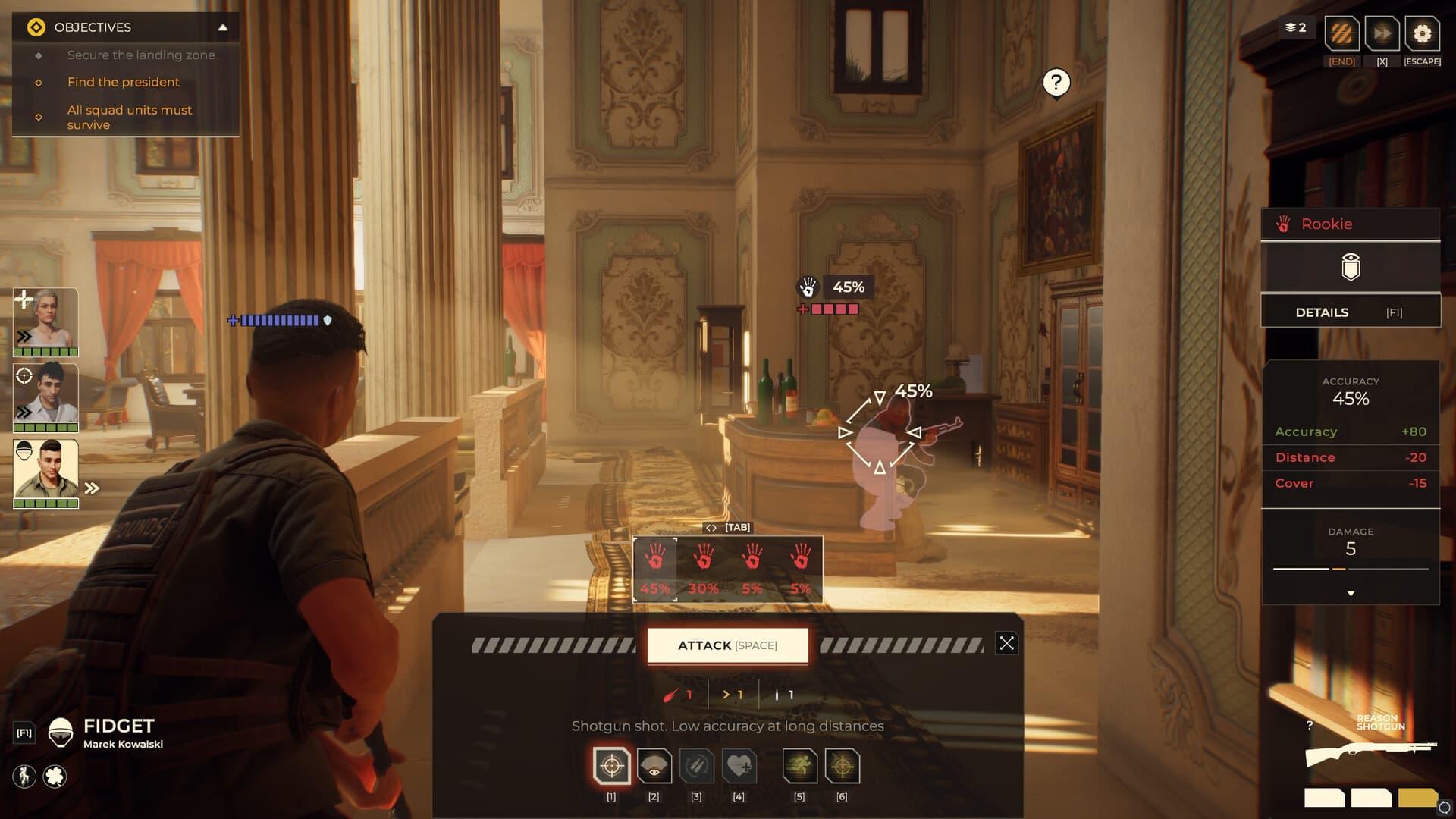
 Official media reference
Direct answer
No official mod tools, Steam Workshop integration or supported mod API are confirmed in the cited launch sources.
How to use this page
A file edit or trainer is not automatically a supported mod. Back up saves and match every community modification to the exact game build.
What is verified
- Check the Steam page for a Workshop tab before claiming support.
- Prefer transparent source repositories and change logs.
- Avoid executables distributed without reputation or hashes.
- Disable modifications before reporting a game bug.
Evidence scope
Verified against sources on August 14, 2026No official mod tools, Steam Workshop integration or supported mod API are confirmed in the cited launch sources. This page is therefore a verification and safety guide, not a download directory.
What counts as official support
A real mod-support claim should be visible in an official announcement, current Steam feature list, developer documentation or an in-game tool. A community post, an edited configuration file or a trainer download is not enough. Check whether Steam shows a Workshop tab, whether the developer names a supported folder or API, and whether updates explain compatibility. Absence of evidence should be written as unconfirmed, not converted into a definitive no.
- Check the current Steam page for Workshop integration.
- Look for developer documentation or an official mod kit.
- Record the game build before testing any community file.
Safe community experimentation
If a player experiments despite the lack of confirmed support, the safe order is simple: back up saves outside the game directory, use a clean profile, scan archives, inspect the file list and keep a rollback path. Never install an executable just because a video claims it unlocks content. Unknown files can corrupt saves, break a patch or expose credentials. Disable modifications before reproducing a vanilla bug.
- Keep clean saves outside the install folder.
- Do not disable security protection for an unknown binary.
- Test one change at a time and keep a rollback copy.
How to report a mod problem
A useful report names the exact game version, operating system, modification source, install path, save state and reproduction steps. Include the unmodified result if possible. Do not send a full save or log containing personal paths or account tokens. If the problem disappears after removing the file, report it to the modification author first; the game developer may not support that setup.
- List the exact file and version.
- Compare modified and clean saves.
- Remove private paths and credentials from logs.
Mod safety checklist
- Confirm official support instead of assuming it.
- Back up saves outside the game directory.
- Scan archives and inspect file extensions.
- Test one change on a disposable profile.
- Disable the modification before filing a vanilla bug.
Frequently asked questions
Does Warhounds have Steam Workshop support?
The cited launch sources do not confirm a Workshop integration or official mod API. Check the live Steam page for later changes.
Is a trainer the same as a mod?
No. A trainer is an unofficial executable that changes memory or behavior; it is not proof of supported modding and carries separate security risks.
Where should saves be backed up?
Use a separate folder or drive outside the game installation and keep a clean copy before every experiment.
Sources and verification
Official facts are separated from developer estimates and unverified community claims.